Denon DN X1600 Traktor Pro 2 setup tutorial anyone ?
Just got my new denon mixer, and am still trying to figure out how to set it up correctly to use with traktor pro 2.
first off I installed the asio driver for denon.
Then I went to setup the usb in utilitys.
So far I understand that I want the mixer to be set on USB B ?
And I have set in usbassign, USB 1/2 to Master and USB 3/4 to Master, even though it says to change it to cue monitor bus, but this is not available to be selected? USB channel 5/6 disabled, USB 7/8 disabled.
At this stage I dont know what I am doing.
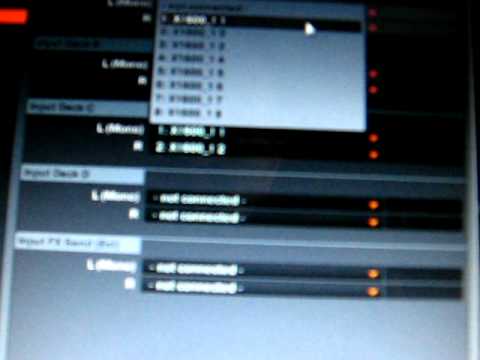
In traktor audio device settings it says, the device is connected with asio denon but the output routing needs to be configured, I look in this section but there are no outputs to be selected.
I dont want to do too much fiddling with this mixer incase I do something silly.
If anyone could walk me through how they set up their Denon with TP2 I would be so happy.
I have updated the asio driver to the one which came with the cd. Not sure what the 2000sys is?
Ive managed to get sound coming through the mixer now, but all the channels are mapped differently within traktor so I cant use the EQs or pretty much any knob or fader to do anything within traktor.
I’ve actually been looking to buy either this mixer or the 1700. Jester, is there a midi mapping that come with it for Traktor or did you have to map it all yourself?
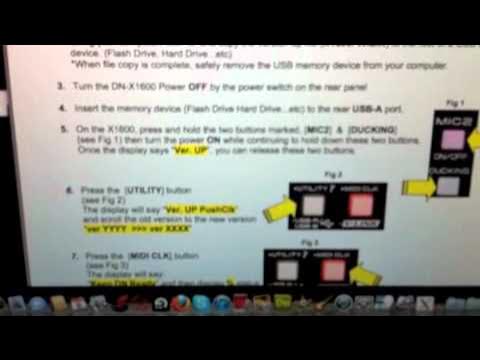
Followed your tutorial mate, great stuff, turns out I was already at firmware 2000, probably because my mixer was new enough from the factory. Eagerly awaiting your next vid
One question regarding the mapping, I thought the mixer was plug and play, meaning would be already mapped ? Seems not to be from what yee guys have been saying.
Would you be up for haring your mapping on DJTT ?
Wonder can you map anything to utilise the contour and other knobs to emulate what they say they do ?
I’m also not sure what they’re talking about, Preferences > Setup Wizard > Yes > Denon > DN-X1600 > Next > Finish should be enough no? I don’t own a 1600, but it’s a certified mixer after all.
The manual has a full list of what’s MIDI mappable.
yes if you use the setup wizard in traktor it sets up the default mapping. vid uploading now.
easy to find if something is midi mappable, if the midi light comes on in the display when you move something, you can map it.
Still have one problem, no sound is coming through my speakers which are connected via rca to 1/4" into my amp, traktor is showing sound is present in the gain though.
My outputs are set on external and matched to each channel.
Also I cannot change the sample rate, it is greyed out on 96000Khz, i wish to change it to 44.1, but when i go to the asio control panel I have no choice in selecting 44.1.