Here is a picture of the vst. can you tel me how u set it up any of the buttons need to be pushed etc.

So as other have pointed out the Hawtin Effect ™ is not the same thing, but you can reproduce the effect in assign the source (dig that one, was painfully slow coming out on beatport) with, indeed just the T3 delay.
Amount to about 50, feedback to your liking but freq should be higher than half. Start quantized, with an off beat speed, increase the speed, cut quantize and drop it quite fast below 50% to get sh*t going out of sync as if you were pulling back vinyl.
gl! 
Tracklisting @ 17:30? That song is fresh…

Resurrecting this thread.
I don’t know why, buy I find myself obsessed with trying to reproduce this clean sounding wind up and wind down Hawtin Effect.
I am feeding Traktor into Ableton Live and I have the PSP 42 plug-in on the Audio track receiving Traktor.
No matter how I tweak the knobs or the delay timing, I can’t make it sound clean like Hawtin does effortlessly. I even tried setting up the PSP 42 on a return and then would send just a loop over and that sounded like crapola.
What am I doing wrong here?
I have been using an APC40 Traktor mapping and it uses this Hawtin Effect.
It is indeed the T3…in advanced mode…can;t remember the exact setting though…but it does make the track dequantize and get messier and messier…till you turn it off.
Its nice!

un-quantized low cut delay being shortened.
Unfortunately, I don’t think it’s quite that simple, although I wish it was.
For instance, I am pretty sure that Hawtin is NOT using the T3 Advanced Delay here at 1:29:

He is purportedly using the PSP 42 plugin in Ableton.
I’d LOVE to be able to emulate the sound like he is doing in this one so cleanly and with such control.
Yeah…much cleaner that the T3 Delay…but the same thing in essence I think.
most of the options are pretty easy to read (and what they do) the name is above 0_o best bet is to experiment by yourself …its the best way to learn.
Like someone already said to me …dont wait after ppl you will always be disapointed …just do it yourself
Can anyone emulate this sound he is doing at 1:29? I have played around with the PSP 42, and can’t make it sound the same. Is Hawtin running an Ableton clip running through the PSP 42 over the Traktor song? Sorry for obsessing, but I think it sounds cool…
it is actually quite easy. figured it out for myself. just put the plugin on a return track then use the effect as a send. because of this you should turn the effect to 100% wet, called output mix on this plugin.
feedback knob to around 50% but try other settings as well.
set the desired delay. i chose around 50ms in my example.
the pitch effect is controlled with the manual x1 nob.
setup two knobs on your controller. one for the send level and the other for the manual x1 nob.
play around with other settings and combos. this isn’t the only cool one. 
however, even easier than all this… read this article:
Maybe try this…

Holy necropost batman!
But in all seriousness, nice tutorial!
Haha shit! Forgot I was using search!
Traktor 2.6 Tape Delay for Hawton Effect
I think there is a way to make the Hawtin effect in Traktor 2.6 w/ tape delay in advanced mode. But it requires several work arounds.
To start, assign an FX unit w/ tape delay selected. It must be in advanced/single mode, and the unit should be ON. BUT make sure D/W is at 0%.
To activate assign a button to feedback (button 2), and assign the same button to turn the FX unit OFF.
Assign a knob to control D/W and a knob to control the speed (knob 3).
Press the button assigned to control button 2, that that also turns off the unit at the same time.
Activate the amount of effect you want by using the D/W knob, and use knob 3 to control speed of the Hawtin effect.
I’ve got this to work and the next step is to map it to my XoneK2. I’m thinking about using (2) buttons & (2) knobs.
That’s just a quick overview and I’ll try to map it out w/ instructions to post on the Ultimate FX Thread: The Ultimate FX Thread - Page 8
Here is what it should sound like at 4:07 in PSP 42 Video, but the track will be playing along w/ Hawtin effect that you control:
YES! exactly how he does it in the video you just posted. Precisely at 2:04.
I’ve been wanting to know how to do this too, does hawtin do this effect with ableton/plugin? Or can i t be one by combining some FX in Trakor/X1?
Also, the DUBFIRE effect… I’ve only ever heard Adam Beyer do it once, and it didn’t sound that great.
But here’s a video of him using this effect, at exactly 1:00… I see he quickly presses an effect button on the X1, so maybe he has always got it set and the dry/wet parameter knob turned to the right point.
Thanks.
Wheres the video ??
Wow, sorry man, I thought i posted the link in, here it is:
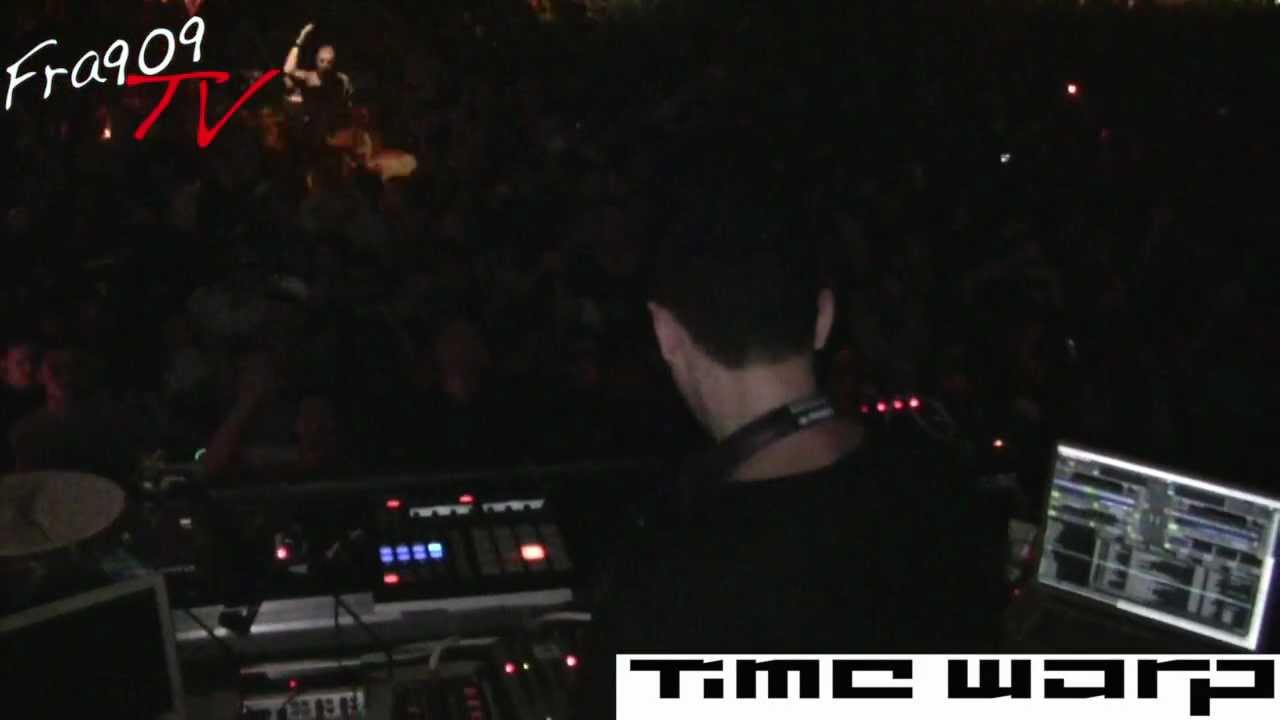
Adding something to my previous post, at 1:20 of this video, you see dubfire do this same effect, but this time you see exactly what he does, and he presses the ‘FX 1 ON’ button ah the top of the kontrol X1, the button lights up and then turns off as soon as he lets go, I have always wondered, what exactly do them to FX1 and FX2 ‘ON’ buttons at the top of an X1 do? I have never used them once on mine, and nothing happens when I press them either?
THanks.
Dubfire effect
Group mode: Delay / d/w - 0.400 / par - 0.700 (unit 1)
Single mode: Delay T3 / d/w - 0.450 / par1 - 0.800 / par2 - 0.780 / par3 - 1.000 / button 2,3 - 0ff (unit 2)
FX ON button activate both at same time, just make sure to set both for interaction hold!