well, ive loaded the mappings for the hercules(big import), and added the mappings for the midifighter…
problem is that they dont act like seperate midifighters. you hit buttons on one midifighter, and you can see the lights going on the other midifighter.
ps, i am not wanting the midifighters acting as turntables(controlling pitch) and wha not. i just want the normal midifighter mappings to work on each midifhgter seperatly, then use my hercules as the mixer for controlling nobs and track selections.
so go to you controller manager in preferences on the top right hand side you have 3 options which you need to focus each midi fighter to a deck so select to midi fighter you want to focus in the IN and OUT ports at the top then underneath is the option to focus on each deck that should get it working right, Ean shows how to focus midi fighters to a deck in this video
 please!?!? lol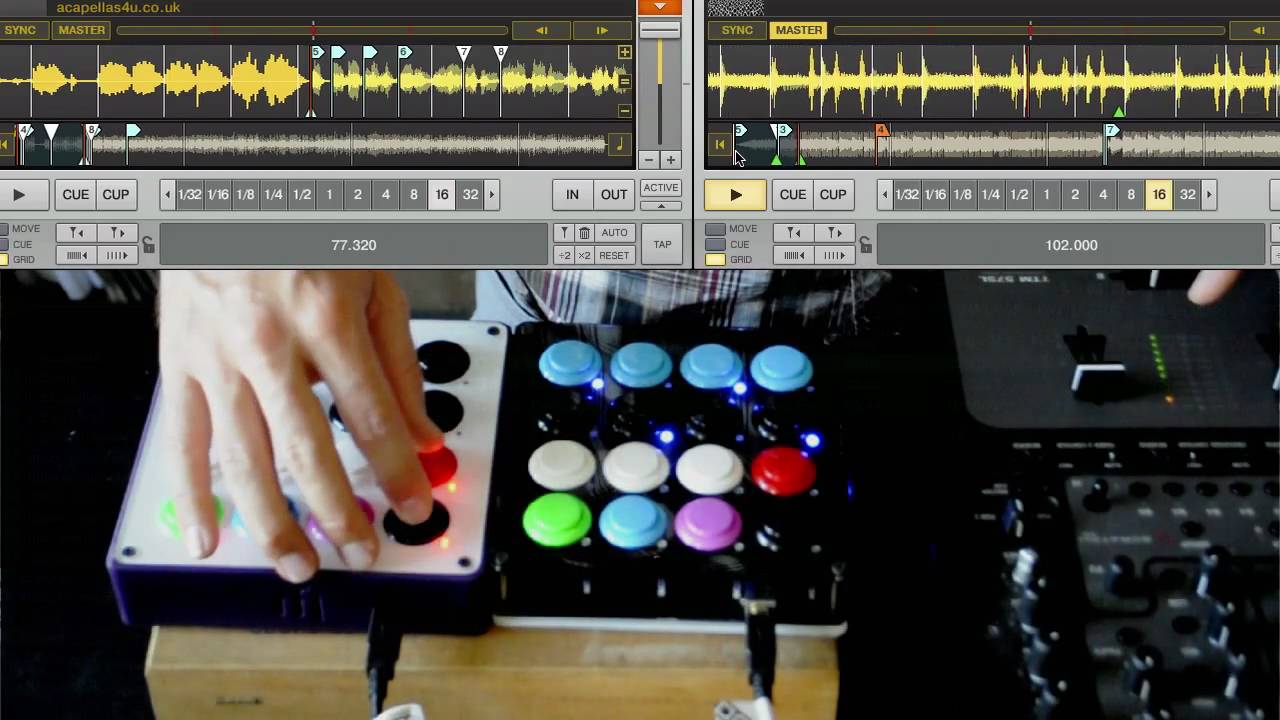
 if you explain exactly what the problem is in your first post you will get help alot quicker