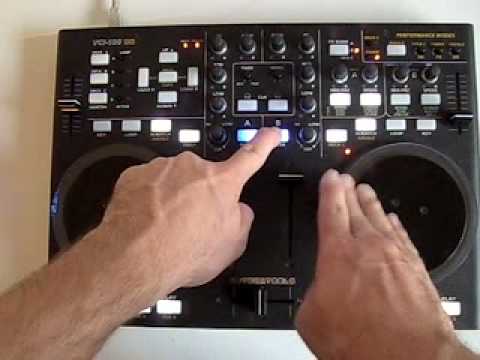
I’ve been messing around with traktor pro and tsi 1.6 on the vci100se..today but i cant seem to figure out how to change the loop lengths… everything works perfectly so far, but when i click loop it goes to 4 beat loops. I want to figure out how to get down to 1 or even a half when i click loops.
Could you maybe stop opening up a new thread for every problem that comes your way. It’s just barely possible to track for anyone the state of things at your side. Also, spend a little more time with your VCI + TPro instead of posting like a madman. This might help too.
If you havnt got the 1.3 firmware then it will be different. Try mapping your vci to how you want it to work. You will be limited tho as the 1.2 firmware will not behave like an vci100 se
i thought there were only a couple of bugs that stopped them operating the same now as long as you are using pro and these were just to do with freeze and a buggy beatmasher button or something. Thought all looping functionality worked the same now?
I just cant shorten or lengthen the loops, that seems to be my only issue with the TSI. Oh and when I import the file it only lets me select Midi Mapping nothing else is selectable :S
I was under the impression that certain things would work but others would work differently if at all. ie- certain things you couldn’t do like FADER FX and loop lengthening with 1.2 firmware.
My loops lengthing works, my question is how do i get to choose what loop length comes up with i press the loop button
I try selecting different loop lengths on the software
for example, if i have a 1beat loop set up on my software and i press loop on the vci it goes back to 4 beat.. I know i can shorten it, but i want to know if there is a way to set a preset or soemthing so when i press loop it goes to whatever i want it too not just 4 beats
I understand your question, I just dont know the answer.
BTW, I cannot imagine it being a good idea to have a default loop lenght of just 1 beat. It would make it very hard to engage a “normal” longer loop, without it jittering.