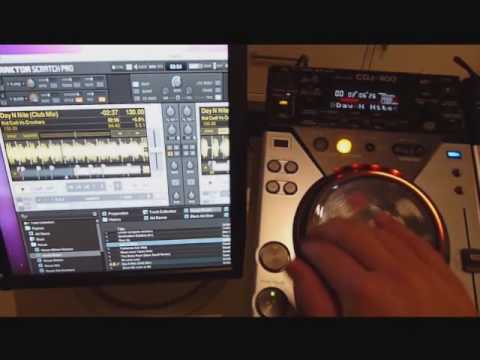
what I really want to know is how accurate the CDJ 400 is for scratching while using Traktor in both HID mode, midi mode, AND timecode. I’ve used it with regular cd’s and it’s fine, but before I spend $1200+ I want to know how well it scratches in traktor
M8 I have my cdjs 400 set up at home via midi and also via timecode , I can even switch between any of those while playing. Man I even can switch between midi, timecode or regular cd mode!! all routed to the mixer . Any dj dream
The only “but” is that I am using T3.4 so my TKS file will not be any good for you.
The big trick for mapping them is to set one cd deck on midi channel 1 and the other one on midi channel 2. If they are not in use. If your mixer is midi it is probably using midi channel 1 already so use 2 and 3
You need to enter the config mode of the cdjs, by pressing the auto/cue button (if I remember well) for a couple of secs, then you can set the midi channel, then go to the midi mapping section and start doing it. Just select the function press learn and press the control surface you want to use. Then select the midi channel to match with the deck you want to map
Hid mode have not tryed, and my personal feeling with midi is that is the same as a VCI but with a bigger platter. I don´t scratch but the best results are from the timecode control. I really love the 400s as they have everything I need.
Midi control
reads usb devices
have Spdif out
Built in effects
built in 2.0 soundcard (I dont use it, use another external one)
Excellent sound definition when using them on cd mode
small form factor
light for carrying
mmm I love them and not too expensive
this is what I wanted to know, because if the HID mode on the CDJ-400s was good enough then I wouldnt need Scratch Pro, but I guess I need the timecode CDs for scratching