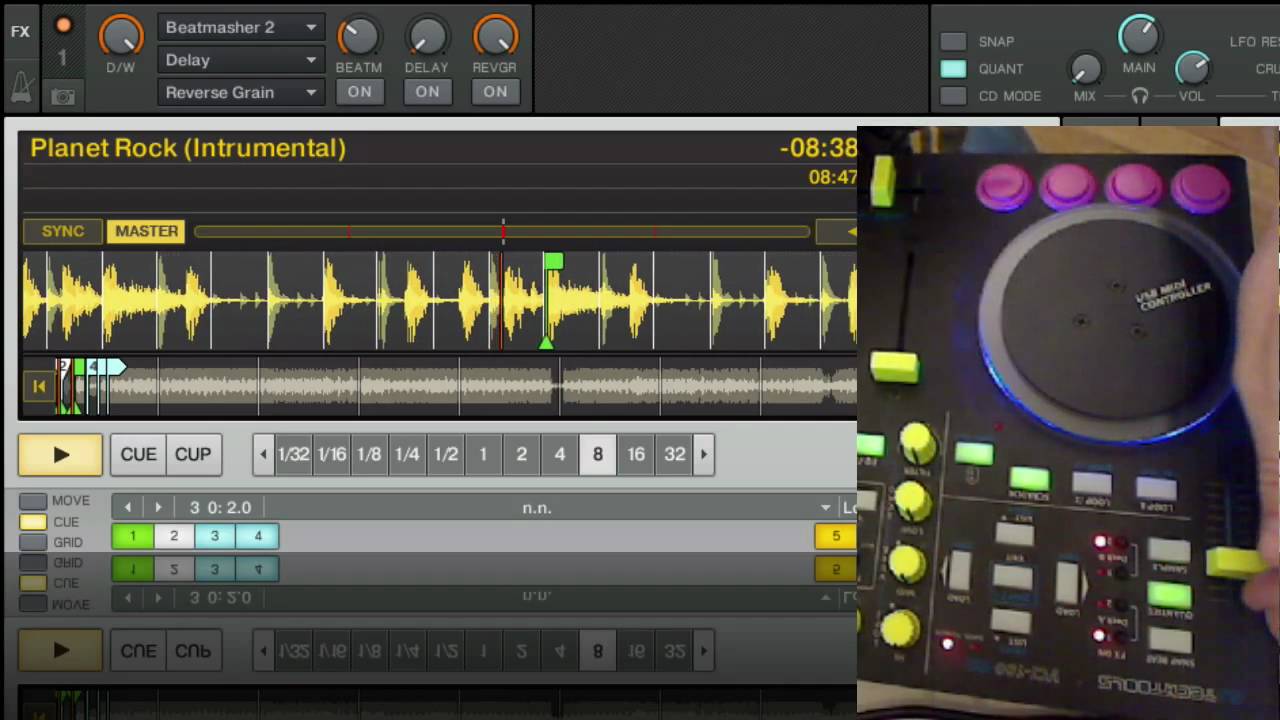
First of all.. What a fantastic piece this is! Really blew my mind when I tried it ou!
I’ve encountered some problems though. When I got the shipment of this unit I followed the starter video to get things started and bought the Traktor Pro Download from NI’s website. Costed me about 123€ or something to upgrade from Traktor 3 LE to Traktor Pro. Then I upgraded the software and went to DTT and downloaded the latest mapping.
Now here comes the problems. In preferences I couldn’t find the tab to choose which midi-controller I wanted to use so I imported the tks file which I downloaded and then it worked BUT when I open the “Controller-Manager” tab it says on device “Generic Keyboard”. In the dropdown list there is "VCI-100 - Generic MIDI (n/a: Vestax PC-CONTROLLER etc etc.).
After I choose that one and close the preferences and open it again and switch to the same tab it says “Generic Keyboard” once again.. What is wrong really?
Everything on the VCI-100SE works so far EXCEPT the perfomance mode with juggle. When I turn the knob for juggle mode on the “JUGGLE ON” button refuses to lit up or enter juggle mode. Any ideas what’s wrong? The other 2 performance modes works perfectly.
Some side notes: I use Traktor Pro v1.2.2, VCI-100SE
And also when I run the Traktor Pro software I do get some error that a unit is not ready and some memory addresses.
Sorry for all the text I just hope there is some kind soul who knows what problems I might have. Cause I really do want to get the juggle mode to work!
ok, so i’m an idiot but am still having problems… I uploaded the new tsi file configured it in traktor but it doesn’t set your in/out ports by default so i had to choose “usb audio”… then everything worked for the most part. I was trying to work through the juggle routine on video but when i trigger the cues it works different than before. Before when ever you put it in juggle mode and hit a cue point it would trigger cue and play right away. Now, it seems like the only cue point that plays right off when you push it is cue point one… the others play when you hold the cue buttons but stop once you let go. I tried it on both my cpus and same problem. am i doing anything wrong?
nope same problem… i noticed that in video that when ean pushed cue and released that track stoped so i’m assuming that is the way he wanted it to work around phrase.
Now my other problem is that when in fader effects mode the pitch/channel fader control the effect knobs but they still control the channel/pitch faders as well so when playing and trying to control the effect in fader effects mode… i also adjust the volume and speed of track… Is this a known issue?