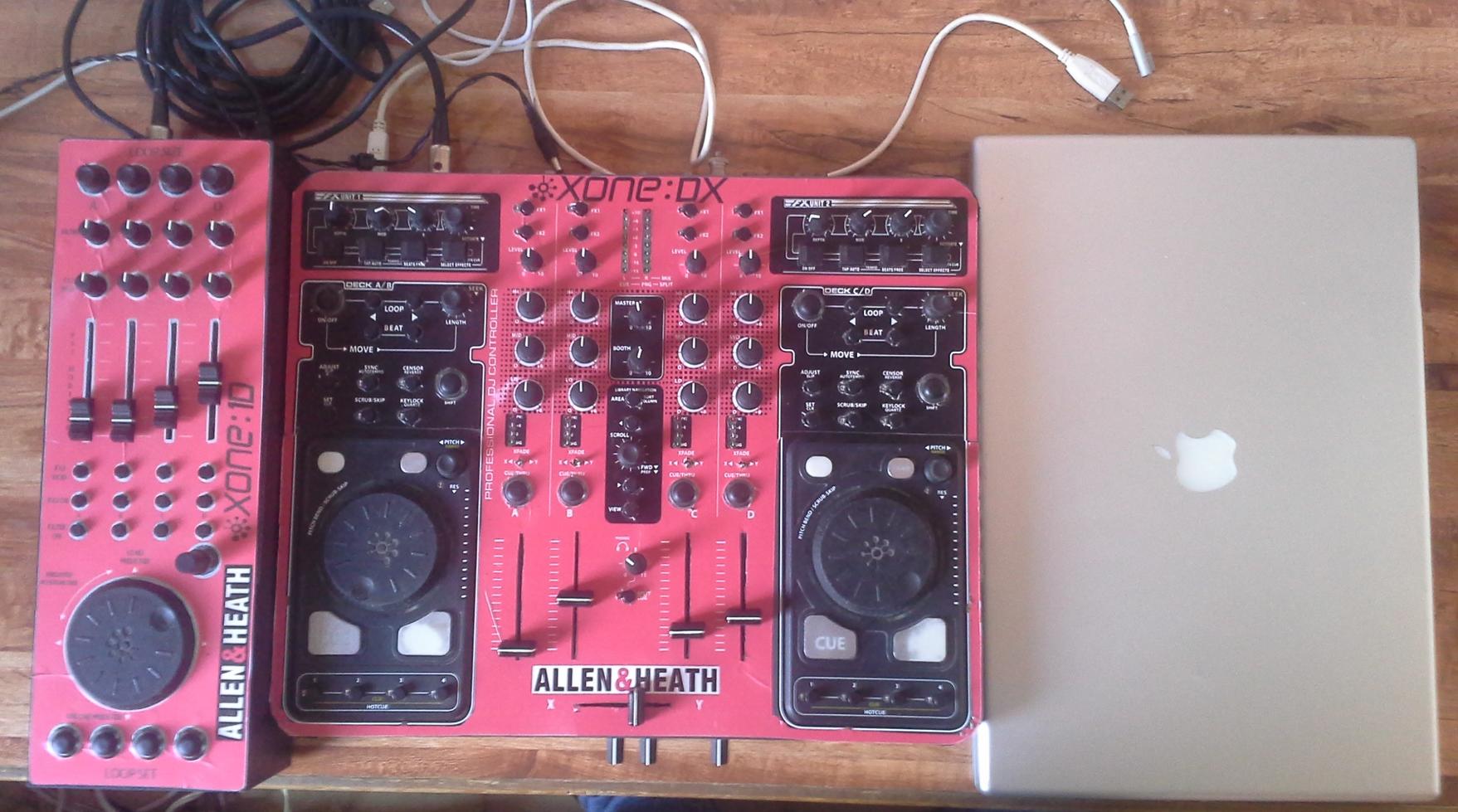
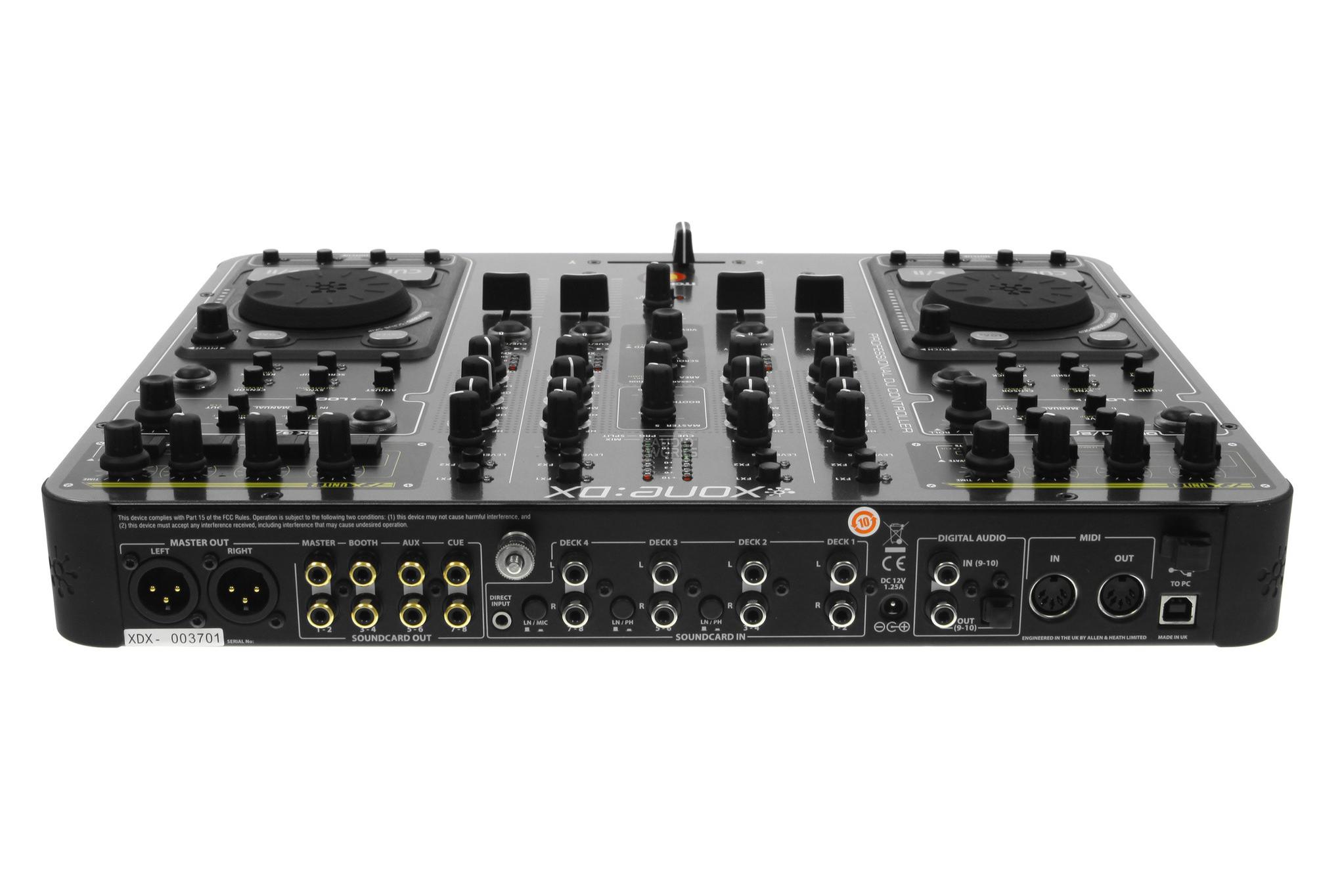
Hi, ive been using this setup for the last year Xone DX and Xone 1D, using 4 track decks and the 1D for Traktor FX.
What i want to do is, find the CHEAPEST way to incorporate Ableton into my setup, what i need exactly is this:
I want to use Abletons fx, so i would need to route my 4 channels individually into Ableton so i can use whatever fx on any deck individually, then return Abletons output into my master output.
All of this using just one computer, any suggestions appreciated. Just take into account that im looking for the cheapest, easiest solution that doesnt require replacing my MIDI units.
Im using Traktor Pro 2, 4 track decks, 3 built in fx.
Use Jack or Soundflower and run virtual audio outputs from traktor into individual virtual inputs in Ableton.
Ableton becomes your master output / cue
Thats the easy bit, getting midi clocks to sync nicely between the two apps for timed effects is another story
Cost: Zero
What OS and Firmware are you using ? I was offered a DX a few weeks ago (sub $300) and passed as was under the impression that the audio drivers are an issue on OSX these days and could not get a concrete answer ?
Thanks for the fast response, i remember trying to use JackAudio sme time ago but i hit a wall when i had to select the Jack Audio virtual soundcard as my output in Traktor, since that pretty much renders my Xone Dxs soundcard useless and there was no audio at all, i never got it to work and i assumed it will only work by using an external soundcard, like a NI Audio Audio 8 or something.
Are you possitive it can be done by using a Mixer with built in soundcard..
In regars to your question, the Macbook is running 10.8.5 up to date, Xone drivers are the latest ones released 3.2.2, Traktor Pro 2 2.8.1. I had some funky behaviour with later Traktor builds for some reason, but 2.8.1 ive found from my personal experience to be working flawless, cpu meter never above 30 percent, no audio dropouts.
The only problem i had with my pàrticular and old setup was when i had both, the 1D and the DX plugged into the computer via USB, now that was a pain in the ass, i had constant cpu spikes from 1 to 90 percent, Traktor freezing, audio cracking, etc, but since then ive been using a portable battery to juice the 1D and i just get its MIDI signal out and into the DX, since then no more problems or random issues.
[QUOTE]Thanks for the fast response, i remember trying to use JackAudio sme time ago but i hit a wall when i had to select the Jack Audio virtual soundcard as my output in Traktor, since that pretty much renders my Xone Dxs soundcard useless and there was no audio at all
[/QUOTE]
I never managed to get Jack to work either, however Soundflower works great.
Yep its no problem whatsoever
You need to:
Install Soundflower and set Traktor to external Mixing
Select the Soundflower Audio device and assign the external channels to each deck
Open Ableton and in the output device choose the Xone master and cue.
For the input device in Ableton select soundflower and enable channels 1-8
On each Ableton channel choose ext and select the respective deck inputs.
Remap your controller to Ableton and traktor so there is no overlaps, remap cues etc which will now be re-routed through Ableton.
Set up midi clock sync so there is no issues with timed effects or loops.
Getting the audio working is gonna feel like a walk in the park compared to getting the midi to play nice
well yesterday after a copule hours i managed to route all 4 decks from Traktor into Ableton, its working nicelely, even managed to actually synch the MIDI clocks and fx sound fine and ALMOST in synch (only did it by ear using both metronomes) however, one thing i dont like about it is that i lost the feature of listenig to both my main output and cue channel at the same time, with my DX i can send 2 decks to my headphones and also listen to the main mix at the same time, i couldnt find a way to enable this feature in Ableton.
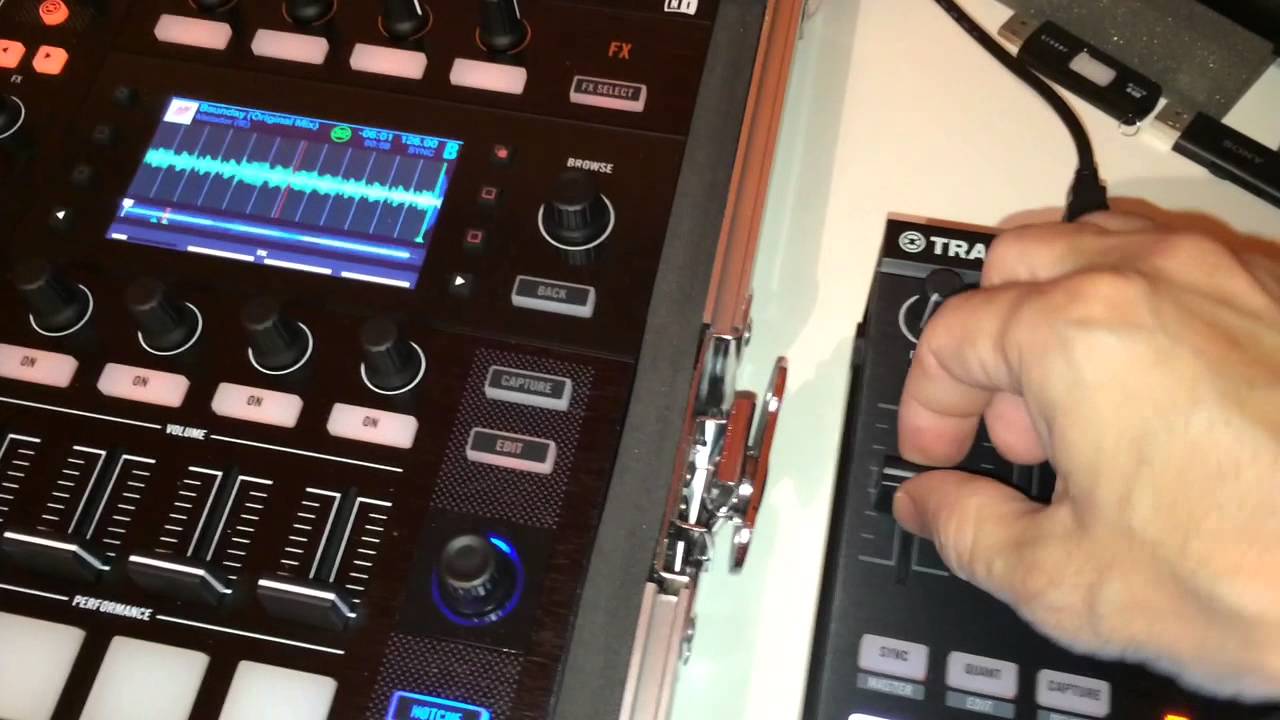
On a side note, i found a video where a guy is using Traktor for miximg and Ableton just for FX without sending each individual channel, could it be that hes using Traktors “send fx” feature and then returning the fx from Ableton into the main output?
link
Any idea? this could be a better solution since Ableton will be just like an “external fx” unit and everything will me mixed within Traktor
not yet, did a quick Google search but couldnt find anything, does he have an alias or what. Im now considering to try and do what the guy in that video i posted did, seems to me hes using Traktor in internal mixing mode since the channel volume faders are active, and then he probably uses JackOSX or Soundflower to re route the audio into Ableton as one main channel, and from there he patches some FX, i see a delay, a compressor and an EQ i believe… that or he has some external audio interface hidden somewhere.
Attached is my old Ableton template which includes a cue / monitor mix on the master - just map the output gain knob on the split cue rack to the DX headphone cue/mix.
Its intention is to mix the master output with the cue on a knob, You might need to set the volume for the headphone separately and play around with the master output so its louder / quieter vs the cue.
Disabling cue on all channels will give you your master output only on headphones.
You can select multiple channels to cue in Ablton by holding each one down simultaneously in Ableton to latch.
Hope that helps.
Regarding Syncing the Clocks :
In Traktor
Preferences: Controller manager
Add a new device: Generic Midi, Traktor Virtual Midi: All Ports.
Under Midi Clock: Enable and restart Traktor.
In Ableton
Under Midi Sync look for Input: Traktor Virtual Output
Enable Sync. And set Sync type to Midi Clock
That should sync Ableton to any BPM changes you make in Traktor with Ableton without using the Metronome.
You might need to play around with delays and offsets to ensure its syncing tightly between the apps
Sync used to genuinely be a PITA to get working, (Ableton used to be fine as Master only) but just tried it now with the latest version of Traktor and Ableton and it works instantly from from Traktor to Ableton!
Hi,
You can take inspiration from my set up.
I sue to play some loop with ableton that i creat live but also use the effect to apply on traktor with using the aux send on the xone62.
You can Midi Sync Ableton slave) to Traktor (master) but in my set up, i don’t use it. I prefer to sync in the old school way with my ear. It avoid the sync drop outs wich unsync everything when you don’t expect it and show to others that you learn beatmatching before use digital sync features
I use the Tempo knob of ableton to synchroniez ot to traktor.
Nice setup, but in order to build myself a similar one, i would have to replace my main controller and get one with at least 1 send-return channel, and those are expensive, before i bought my Xone DX i did some research and i couldnt find one below $350, not even a second hand unit.
There must be another way, im doing some research and my best bet i think it would be to get a NI Audio 8, then route all 4 Traktor decks into 2 channel inputs on the Audio 8 (2 decks on 1 channel) then in Ableton i could use 2 channels one for deck A-B another for decks C-D and send whatever deck to the Ableton Fx i wanna use, aftr that just send evrything from Ableton to the master out on the Audio 8.
The better solution would be to get an Audio 10 but those things are waaaaaaaay above my budget for the moment. If anyone has a better idea im open to suggestions.
Your DX has all the inputs and outputs you need to do this already, however I fail to see a benefit over using a virtual soundcard (via soundflower) and Ableton as the Master Output.
You will increase latency as you are routing between the the 2 apps multiple times before the final mixed output. outout traktor > input ableton > output ableton >input traktor > Master
I know man, ive already configured everything “fine” for the most part, and actually, im just routing
Traktor - JackRouter - Ableton - Xone DX master out
I can get my 4 Traktor decks routed to Ableton and i cans end each individual channel into the FX i wanna use, but still something is not completely right.
Im not sure if theres a delay between my MIDI controllers and the audio, but it “feels” like the FX isnt engaging when i actually press the button, i made a quick video if you dont mind and have 2 minutes to watch it.
First, i use Ableton with the delay i wanna use, then the Traktor built in one and you can hear the difference in the actual part i “take” from the audio channel, there seems to be a slight delay btw me pushing the button to engage the FX, and the audio that gets captured by the FX, and in Traktor the FX captures the audio instantly, im not sure if that makes sense but thats the best way i can explain it.
I know im missing something, a small detail but i cant figure it out, the only thing i can think off is the MIDI clock offset, ive tried different MIDI delay settings but i cant figure it out yet. Im sending Traktors MIDI clock and Ableton is receiving it, both MIDI clocks are synched.
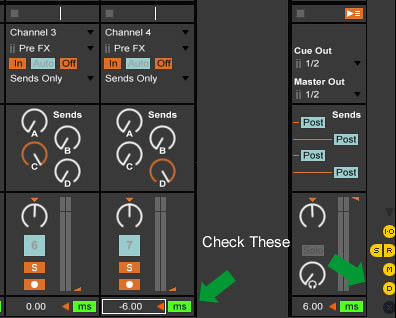
Have you played with the audio channel delay settings rather than just the midi delays ? I know I had to play around with them quite a bit to get things syncing right for effects and loops in particular, more critical than midi delays even.
It also could be a midi lag due to using a single controller on 2 pieces of software simultaneously, does the same thing happen if you keyboard activate on and off effects in ableton rather than using the controller ?
+1
I use Traktor and ableton and Traktor Signal can be send to ableton too use ableton effect. in order to sync the dry signal from Traktor and the wet return signal from ableton, i need to set up the track delay parameter (to do with your ear).
MAD ZACH’S ON-THE-FLY SYNCING SECRET
“Unfortunately, MIDI is an antiquated format and syncing MIDI clocks is not always a very reliable solution. To compensate and prepare for MIDI mishaps (mostly the two softwares getting off sync), I’ve built in a very convenient delay which I put on the Ableton bus (the track I have all my other tracks routed through). It’s essentially a simple delay set to free mode (not sync) with the dry/wet turned up to 100% and the feedback at 0%. I then have a knob assigned to the delay time, effectively creating a track delay (which is normally disabled when receiving external MIDI sync). This knob does the same thing that MIDI offset does in the preferences, but is much cleaner live and does not cause any system glitches.”