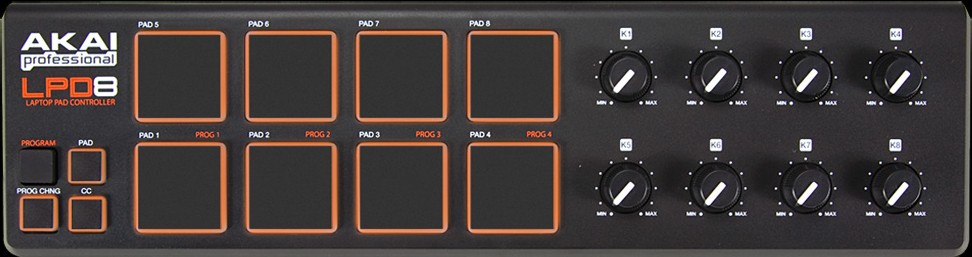
Yes, It’s a super little unit. The prog that comes with it can be used edit the MIDI channels / CC/Note with. I have used one of these with Traktor Pro 2, with MIDI send/return working no probs without much effort.
On the AKAI control panel, Make sure you set a different CC/Note for each pad/knob. MIDI channel won’t matter, but it’s nice to be sure, and I changed mine to a channel, that no other connected MIDI device used. The MIDI in/out config on Traktor will be set to the LPD8. The commands can be ‘learned’ when you apply the commands to Traktor mapping.
For the buttons, it won’t matter if it’s HOLD or TOGGLE on the unit’s control panel. Again, this can be changed within the Traktor settings. Probably best to keep them all the same (for me I kept em at HOLD), then there’s less messing when it comes to mapping.
If you have any issues getting the midi program edited, shout and I’ll try to get ya sorted, skype and I’ll talk you through it if necessary. The existing map ain’t going to work, because it’s going to depend on the way the unit is set up on the originators machine, especially if your midi is sending the same command on pad 1 / knob 1. This unit’s MIDI function is fully customisable via the Akai prog that comes with it.
This is bang on, you need to save the config to the device (which is accessed also on the akai editor - 4 save slots) close the Akai prog, before trying to do anything with Traktor.
Good luck with that.. you’ll hardly need it, you’ll probably find it’s not too difficult if you understand mapping.