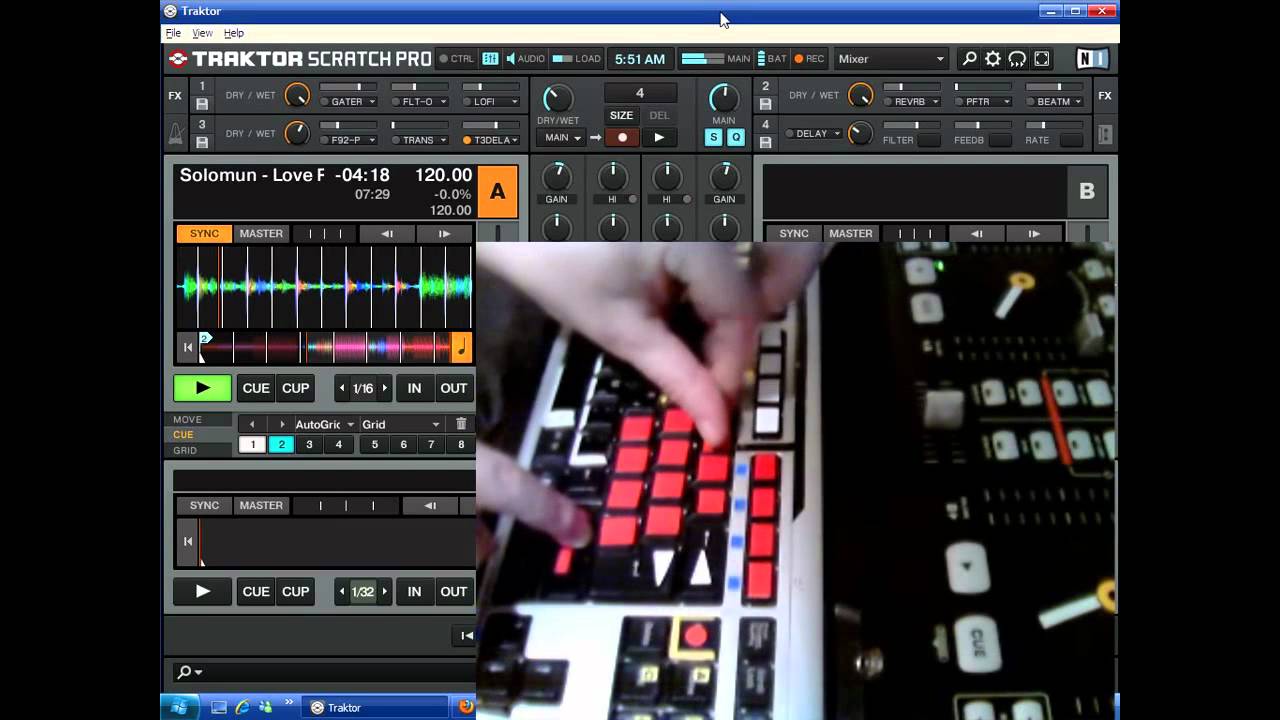
Instant Gratification Mapping for MacBook Keyboard
I purchased a Midi Fighter approximately 5 months ago and started off by using it with the Instant Gratification mapping. After using it for a while and learning new techniques I started using the Deckalized Mapping as it fits into performances better.
That’s when I started thinking that maybe all you need for performances is ‘ONE’ Midi Fighter and your MacBook Keyboard which lead me to trying to create an Instant Gratification for my keyboard.
I have been able to get most of the way, but the only thing I really cannot do is map the Secret Combinations that DJTT’s Mapping Creators have been able to do with the Midi Fighter, and that is why I am posting this thread.
So, if you are PRO at mapping with Traktor… And I mean really PRO, can you please give this a go. If not, can you please register your interest on this thread by bumping or posting so that we can get the attention of the DJ Tech Tools crew and maybe they might be able to do something.
You cannot get the combinations to work on your keyboard. Keyboards are not designed to press several keys at the same time and produce more then one code. Try pressing two keys on your keyboard and hold them. Only one key will produce a command. Sorry about that but ive thought and tried this one out too…
Yeah I tried this too. I found out that buttons f9, f10 ,f11 and f12 (PC not sure on Mac) can be used like combination and i mapped instant beatmasher supercombo to this row. You can map this buttons to be like three layers for all three effects rows from IG mapping. Just map three more buttons as modifier conditions that will say to those f9-f10 buttons which row of effects you are selecting to engage. This would mean, if you hold for example “delay T3” (top row) and change layer to “gater” (same button bottom row) delay will stay on until you get back to top layer and hit it again. For more flexibility you can map some additional buttons for direct kill the every effect and one button for shut all.
You can even add one more rows or two for TTFX and some various echo outs for example. If someone is interested I can create keyboard mapping like this.
Sure thing. I got it almost done and think I’ll need to do some video for better idea of what’s going on. Seem a bit more complex than I expected it to be.
Here it is. I’m not video editing guru but I give my best to make it easy on anybody who download it. Be easy on me, I’m not showing some DJ skills, just doing a simple demo