im curious about the output colors for the vci-100 LEDs. i bought my vci-100 directly from vestax and later upgraded the firmware to 1.3 and run it with the tsi 2.3 version. the only colors ive seen on this machine are orange and green (aside from the blue and red under the jog wheels.) is the blue color only available on machines purchased from djtts?
Yes, its orange/green and some are red if i remember correct. The only vci’s that come with blue and white leds are the vci-100se’s from djtt. You can diy though its not to hard if you have some soldering experience. I just did mine and it took about an hour to do all of them.Looks alot better imo and you can see the leds alot better in normal daylight conditions.
yeah i was thinking of tackling this project. i think the blue looks sweet as. i also would like to know where to get the leds and if you have any tips or advice, that would be appreciated too…thanks
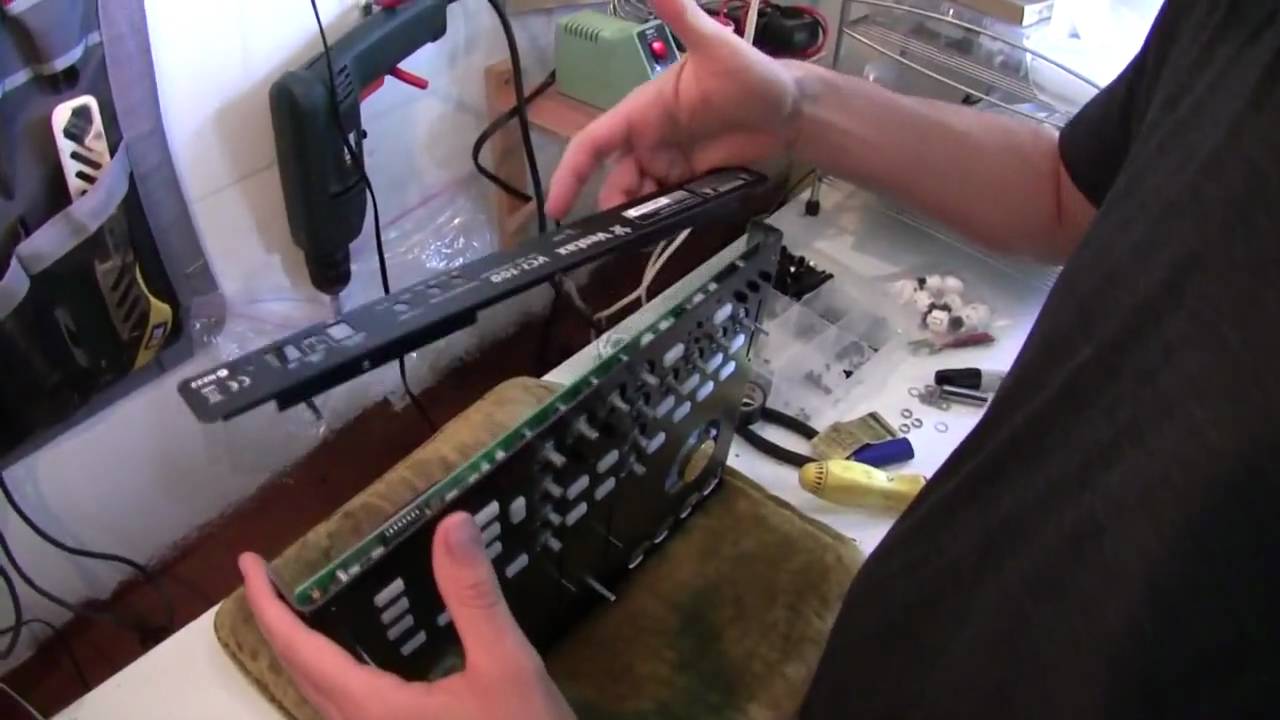
What’s up DJTT this is my tutorial on how to change your LEDs. You might be wondering why in the world would I take the time to do an almost purely cosmetic mod, well in my opinion its more then cosmetic. I had a problem with my VCI and using it outdoors or even indoors on a sunny day, I couldn’t see the LEDs! Now this might not seem like a serious problem but when you are jamming you want to be able to know what deck is playing, what effects are on etc, at a glance. The boring green and yellow that comes on VCI’s (except the SE from djtt) are just that, boring, and they don’t have much of a contrast in a daylight setting. So I decided to switch mine to white, blue and red for their contrast and the brightness ( and droooolllzz factor). This tutorial will also come in handy if you just want to replace some dim or dead LEDS. You do this mod at your own risk. I am assuming you have some soldering experience and won’t burn up your circuit board.
Things Needed
VCI-100
3mm LEDS-I bought mine from ebay, $6 for 100 leds you can choose how many of each color you want. I went with 40 x Blue, 40 x White, and 20 x Red.
Soldering iron and a solder sucker, or just a desoldering iron
Clamp or extra set of hands to hold the circuit board steady while you remove the LEDS
First off you need to take your vci-100 apart. If you are doing the arcade mod, now is the perfect time to do this LED mod also since you have everything taken apart. Here is the video on how to do the arcade mod and it basically shows you how to disassemble your VCI in a safe way.
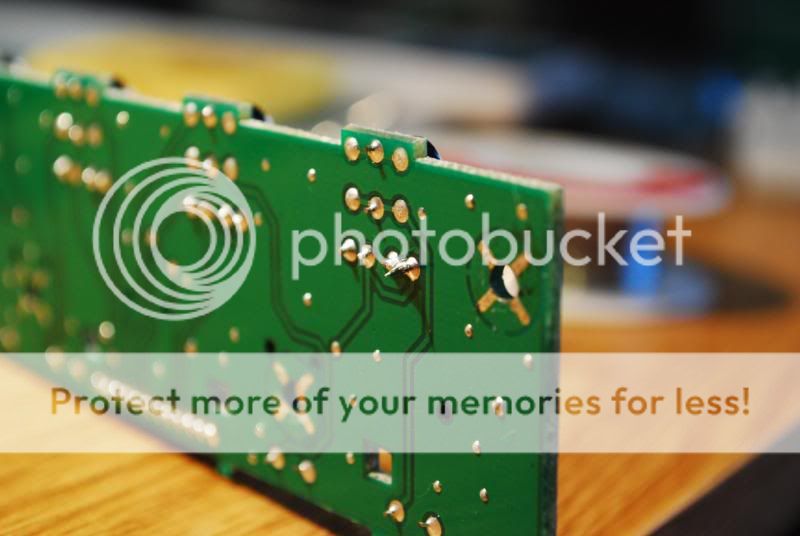
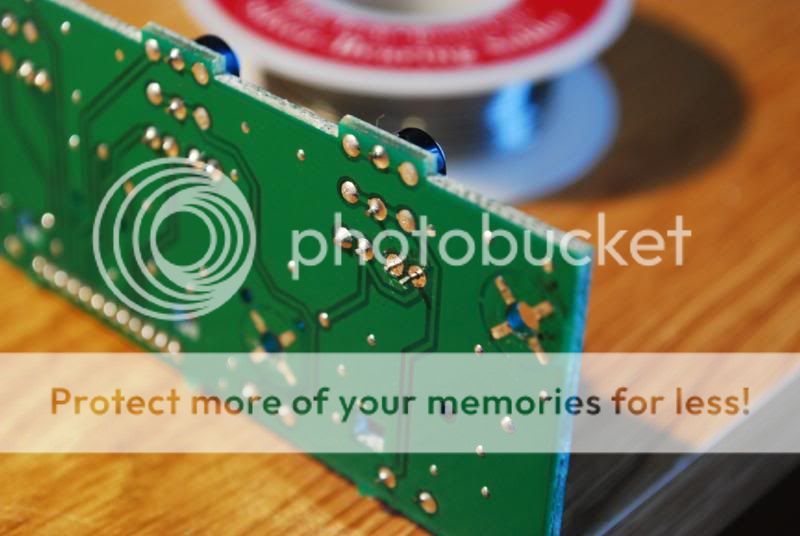
Now it’s time to desolder your LEDs. The easiest way is to heat up both the leads on the underside and using needle nose pliers to pull the LED out once the leads are both heated.
I’m using the old transport buttons since I didn’t take pictures when I was doing my mod. It’s the same concept.
Now add some solder to connect the two leads so they can heat up evenly.
While heating up the leads pull on the LED with the pliers (don’t pull to hard or you might break the led or worst the circuit board, it should come out with some wiggling and a tiny bit of force)
Make sure you cut the LED above the part where it flattens a tiny bit. Don’t snip it per say just a tiny bit of pressure with a cutter and then bend it off. The reason I say don’t snip it off is because when you do it leaves a part that is wider and makes it harder to push the led in. Make sure you have the polarities correct or they wont light up. Take note of which way the positive and negatives face before you take out your original LED.
i was planning to mod my leds too, but now that i have to live without led-feedback if i want to run a stable system (yes, i’m a pc user..) it wouldn’t make much sense.
but i still got the jog-wheels lighting up and i’m not the biggest fan of the blue lights, it’s just too hard finding my veins in this light did anybody try to change the leds for the jog-wheel? or is it somehow possible to invert the colors, so that red is standard and blue if i touch them?
Thanks for the tutorial. I bought the LEDs you suggested on the main DJTT site tutorial, but destroyed a VCI-100 on my first attempt. Now I’ve got a friend who’s an electronics engineer to help me perform this mod on a new VCI-100, but he said he is reticent to get involved until I know a little more info about the components to be replaced and the new one’s I’ve bought. He said if they draw to much current or require more voltage I could mess up the unit.
So after all this time, is your VCI-100 still working as it was originally? Have there been any strange occurrences regarding it’s stability or outputting of MIDI data? Any crashes?
I also modded my VCI-100 with some LEDs,2 LEDs went off,I contacted Vestax in Portugal for the repair,and they asked me 46€+taxes+shipping=80€ (aprox.) for changing 2 LEDS!!! F##K them! went online bought 80 LEDs for 9€ and 7€ for a 30w soldering iron…
not finished yet,tomorrow I’ll change the transport plays/cues LEDs… looking good so far.
thanks for the tips fa5ky & DJTT.