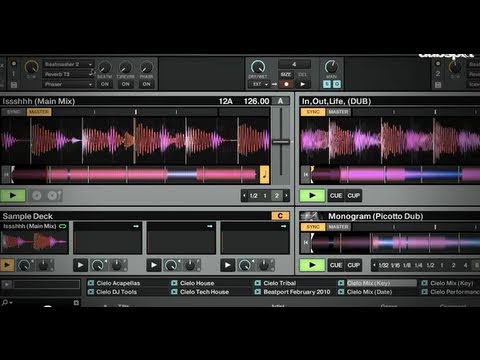
Recording mixes from Traktor to Ableton with Jack OS X as internal audio router
I’m trying to record my mixes in Ableton Live using Traktor. I came across a sweet way to do it using Jack OS X as an internal audio router. That way I can record each of the 4 separate decks in Traktor in 4 separate audio channels in Ableton Live. My only problem i’m having is that with me using an DJM 850 as an external mixer all of the sound color fx, beat effects, channel faders, and eq’s do not record with my mix inside Ableton. I am not sure how to get around this or if its even possible. The only way that I can see it working is if I midi map the mixer to Ableton’s effects and whatever else in there, which I don’t want to do. Can anyone that has an idea on how I can go about doing this shed some light? It would be a huge help!
Here are the two videos I watched to set it up.