Thought I’d share this F1 Mapping
Not mine, but cool nonetheless. Personally I haven’t been able to try it because it doesn’t seem to want to work for me, but maybe one of you guys can figure it out.
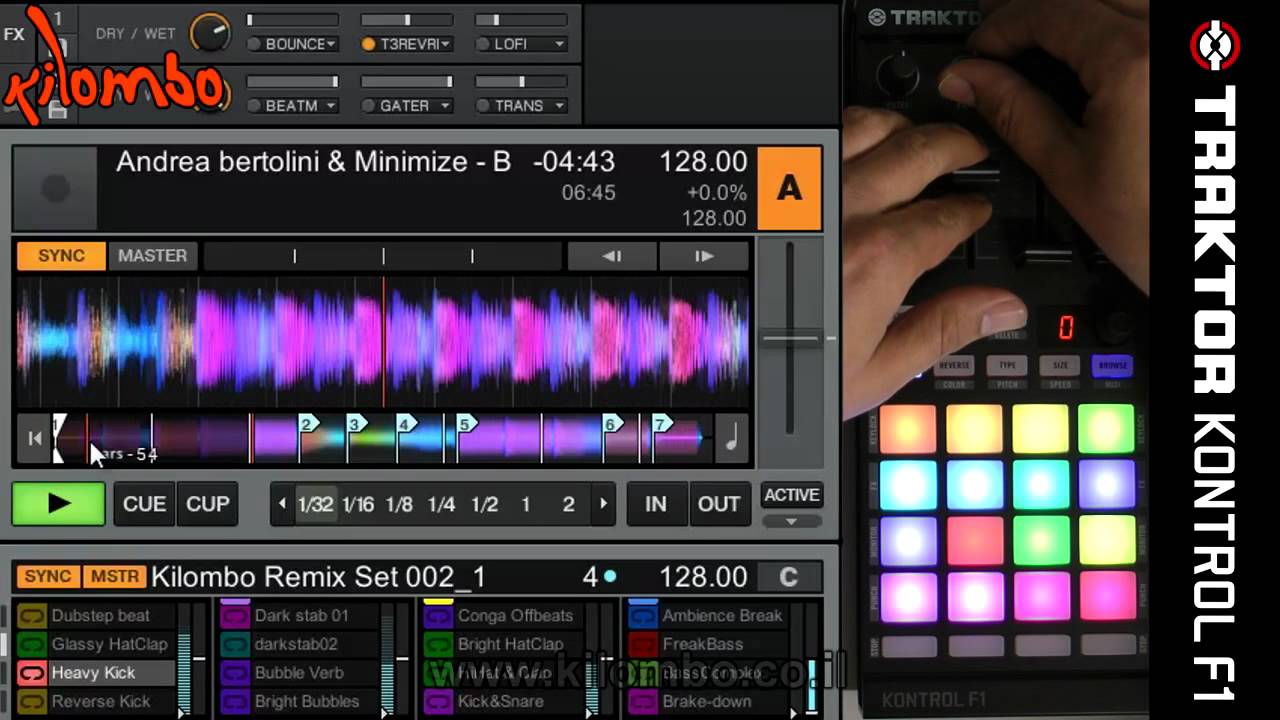

Thought I’d share this F1 Mapping
Not mine, but cool nonetheless. Personally I haven’t been able to try it because it doesn’t seem to want to work for me, but maybe one of you guys can figure it out.
Yes I like this. does anyone know of a version that works well with S4 (2fx banks)
Don’t know. I want to get it to work first though..
any luck with this? Just got my F1, but cant figure out how this mapping works
Nope. Watched the video, still can’t figure it out.
Any help guys?
anyone with an F1 should find this interesting. It would really add to my set without physically adding hardware, which is a huge plus
Yeah, some of it reminds me of the instant gratification mapping
I’ve just tried it out and it works only if I also open the controller editor after loadin up Traktor I can then shut down the editor again and it works from then. If I close Traktor I need to reopen the editor to get it to work again
great observation, I also got it to work. Cant wait to mess around with it tomorrow. Thanks gullum!
he jumps from native to MIDI mode on the fly. what exactly you can’t figure it out?
The mapping just doesn’t seem to work for me. When I go to midi mode, I’m just getting the old mapping back again. Can’t get rid of it no matter how many times I delete it.
Did you set the F1 to midi mode instead of user mode in the F1 options panel?
All you have to do is open the controller editor and it works fine. I only had to open controller editor once, not every time I use the map.
Did you try the mapping?
Yep.
Kyle, Did you try opening up the controller editor after you open traktor? That seemed to work for me.
btw I never deleted the old midi mapping before importing the new one
Yep. Tried that too. Don’t know whats wrong.
I honestly didn’t like this mapping, and I use an S4 so I use 2 FX banks, not 4 like he does. Soooo I made my own FX map for the F1. This one was based slightly off of the fx mapping for the midi fighter (but a lot simpler and without all the cool combos)
here are the links to the thread and the DJTT mapping section
DJTT Map page
Original Post
Any comments, questions, concerns or ideas for updates - please feel free to pm me
This week sometime, before I leave to go back to school, I plan to finish mapping all the buttons and would like to make a quick video explaining how the map works. However, if anyone enjoys the map and decides to make a video of their own using it, please send me a link so I can put it in the post!
Enjoy
this is a great mapping. its been working great for me on 2.6, there is a .tsi file you need to download to load into tracktor as well as the editor file that needs imported in the editor.. here is the zip
watch the 2nd video that was posted and you can pretty much understand what is needed to get the mapping to work.
is there a way to map pages in the F1 like the built in mapping? this would be pretty awesome to have a page or 2 of different effects, specially one you can play with the new macro effects.