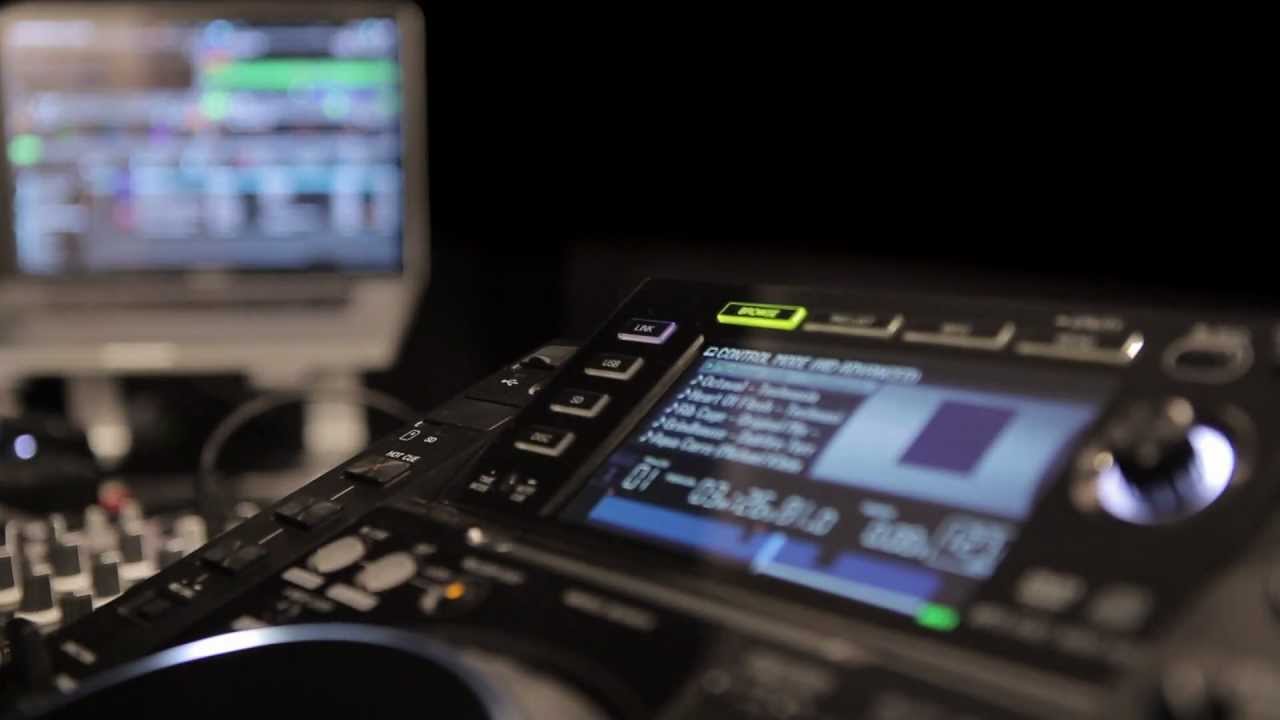
We have discussed it before but was fuzzy on what the CDJ’s would actually display then there were subthreads on getting proper track info to display. This seems like great integration, compared to what I was expecting when it was announced. I’m still not ready to chunk down $6k on a set up for the house, but I like the idea a lot and the video is pretty cool in demonstrating things.
You’re probably not going to have to lay down that dough.
The whole point here is that you can take Traktor out of the house and rock it on what is already in the clubs without having to bring your own controllers.
This secures Pioneers Deck / Mixer units a place in a world where such things are fading from the scene, and puts them in a position where they won’t have to compete with Traktor as much.
They are even putting focus on NI’s line of “add on” controllers, to pull attention away from themselves. Smart move really.
I would have to at least rent a system for a month to be comfortable enough to just wing it in the club and know how to set up proper and fast, at least muscle memory wise, getting used to a spread out system. Would probably spend the first week missing my controller mixer all in one, then the next three weeks trying to justify how to keep the rig.
Actually a CDJ2000 is not that diferent from an all in one controller maybe a few less buttons. So I would say if you can rock Traktor on a S2/4 or similar. You should be set and ready to rock with CDJ’s less hot cues. What you might have problem with at first is getting used to FX on a DJM.
Yes, I mentioned this a month ago. This is really good for any DJs that primarly use Traktor. Prepare and have everything in place, take the laptop to the club and off you go.
Anyway, I need to test this myself. Also, might be that the club CDJs don’t have the latest firmware so you need to make sure that’s also in place, sigh.
This is where I’m unsure. Does traktor send the audio signal from the deck its controlling to the CDj which then sends it to the mixer as though it’s just playing a cd? (I’m referring to just connecting the cdj’s to the laptop)
You can use the CDJ’s built-in audio interfaces. You can use another interface of course but I tried this with 2000s and just my laptop with no issues at a gig.